

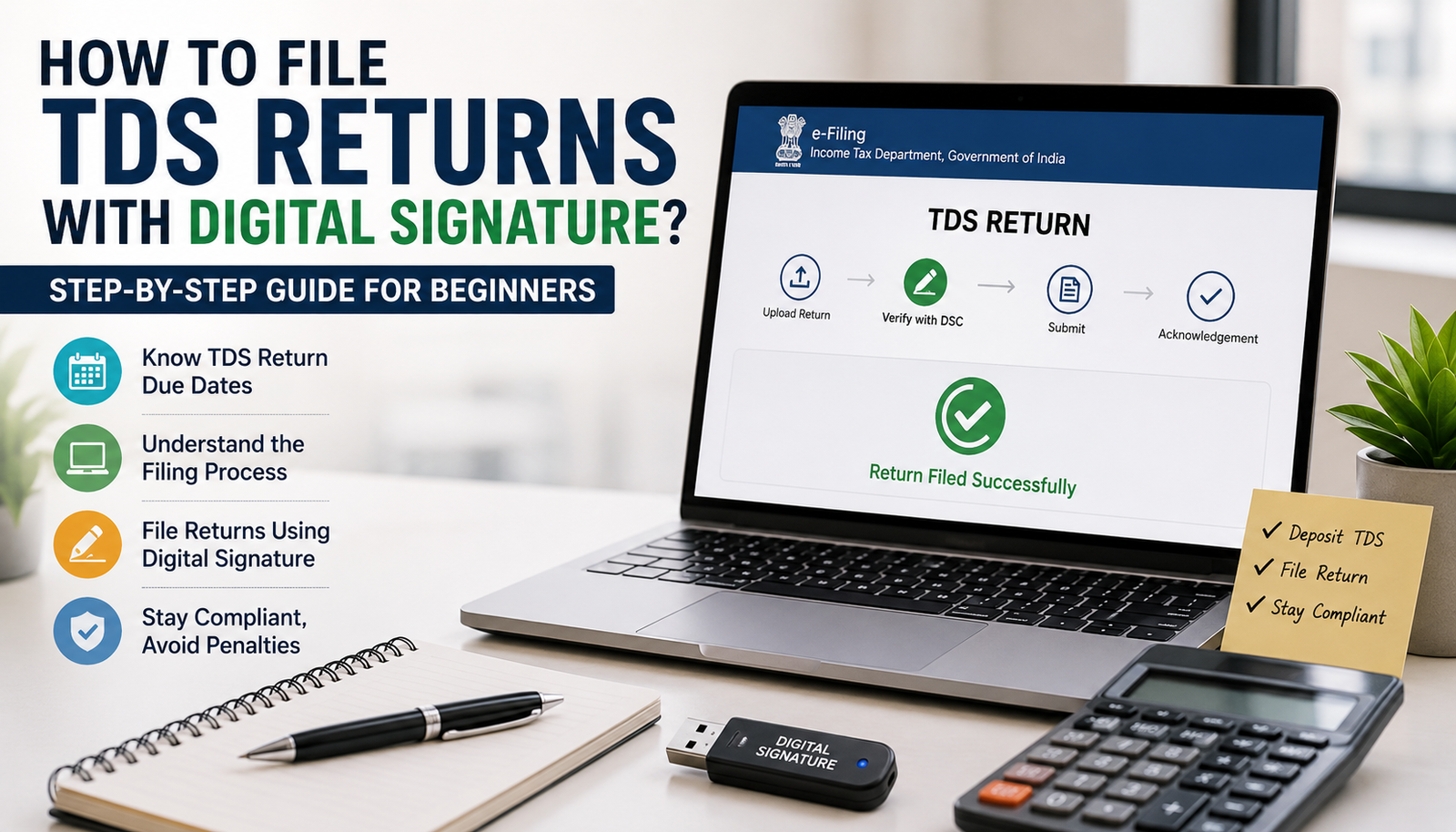
If you deduct Tax Deducted at Source (TDS) while making payments such as salaries, contractor fees, rent, or professional charges, filing TDS returns is not just a compliance requirement it is your responsibility as a deductor. Missing deadlines or submitting incorrect details can lead to penalties, notices, and unnecessary stress.
A few years ago, many businesses relied on physical verification and manual paperwork. Today, the process has become much easier. Thanks to digital signatures, you can complete TDS return filing online in a secure and legally valid manner without visiting any tax office.
Whether you are a business owner, accountant, startup founder, or someone filing TDS for the first time, this guide explains everything in simple language. By the time you finish reading, you’ll know how to file TDS return with a Digital Signature Certificate (DSC), understand the latest tds return due date, avoid common mistakes, and complete the filing process confidently.
What Are TDS Returns?
A TDS return is a quarterly statement submitted to the Income Tax Department by the person or organization that deducts tax before making certain payments.
These payments may include:
- Salary
- Interest
- Professional fees
- Contractor payments
- Rent
- Commission
- Brokerage
The return contains details such as:
- TAN of the deductor
- PAN of the deductees
- Amount paid
- Tax deducted
- Tax deposited with the government
- Challan details
Think of it as a report that tells the Income Tax Department, “I deducted tax from these payments and deposited it correctly.”
If the information in your TDS return is accurate, the deducted tax automatically reflects in the deductee’s Form 26AS and Annual Information Statement (AIS).
Who Needs to File TDS Returns?
Many people assume only large companies file TDS returns. That isn’t true.
You generally need to file TDS returns if you are:
- A private limited company
- A partnership firm
- An LLP
- A sole proprietor liable to deduct TDS
- Government departments
- Trusts and societies
- Educational institutions
- Hospitals
- Employers deducting TDS on salaries
Even if only one payment attracts TDS, the return must usually be filed if tax has been deducted.
Why Filing TDS Returns Matters
Imagine you’re a freelancer who completed a project for a company. The company deducted 10% TDS from your payment but forgot to file its TDS return.
When you log into the Income Tax portal, you don’t see that tax credit. During income tax filing, you may not get credit for the amount already deducted.
This creates unnecessary confusion for both parties.
Timely tds return filing helps ensure:
- Tax credits appear correctly
- Compliance with Income Tax rules
- Lower chances of receiving notices
- Better financial record keeping
- Smooth income tax return processing
What Is a Digital Signature Certificate (DSC)?
A Digital Signature Certificate is the electronic version of your handwritten signature.
Instead of signing paper documents, you digitally authenticate online filings using a secure encrypted certificate.
The Income Tax Department accepts digitally signed returns because they provide:
- Identity verification
- Data integrity
- Secure authentication
- Legal validity under Indian law
In simple words, a DSC proves that the return has been filed by an authorized person and that the data hasn’t been altered after signing.
Why Use a Digital Signature While Filing TDS Returns?
Although some filings may allow Electronic Verification Code (EVC), many organizations prefer or are required to use Digital Signature Certificates because they offer stronger authentication.
Some key benefits include:
Better Security
A DSC uses encryption technology, making it extremely difficult for anyone to tamper with the filed return.
Faster Processing
Since verification happens instantly, there’s no need for additional manual verification in many cases.
Legally Recognized
Digital signatures are legally valid under the Information Technology Act, making them suitable for official tax compliance.
Convenient
You can complete the filing process from your office or home without handling physical paperwork.
Preferred for Businesses
Most companies, LLPs, and professionals handling multiple tax filings use Digital Signature Certificates regularly.
Types of TDS Returns
Different forms are used depending on the nature of payment.
| TDS Return Form | Used For |
|---|---|
| Form 24Q | TDS on salary payments |
| Form 26Q | TDS on payments other than salary to residents |
| Form 27Q | TDS on payments to non-residents |
| Form 27EQ | Tax Collected at Source (TCS) returns |
Selecting the correct form is the first step before starting your filing.
TDS Return Due Date
One of the most common reasons for penalties is simply forgetting the due date.
The standard quarterly due dates are:
| Quarter | Period | TDS Return Due Date |
|---|---|---|
| Q1 | April to June | 31 July |
| Q2 | July to September | 31 October |
| Q3 | October to December | 31 January |
| Q4 | January to March | 31 May |
These dates may change if the government issues a notification. It’s always advisable to verify the latest deadlines on the Income Tax Department portal before filing.
Documents Required Before Filing TDS Returns
Keeping everything ready beforehand makes the filing process much smoother.
You’ll generally need:
- Valid TAN
- PAN details of deductees
- Challan Identification Number (CIN)
- Tax payment details
- Salary or payment records
- Deduction details
- Digital Signature Certificate
- Return Preparation Utility (if applicable)
- Latest File Validation Utility (FVU)
Most accounting software can generate much of this information automatically.
Things to Check Before You Start Filing
Before uploading your return, spend a few minutes reviewing your records.
Confirm that:
- PAN numbers are correct.
- Challan amounts match the deposited tax.
- TDS has been deposited within the prescribed timeline.
- The correct return form has been selected.
- Quarter details are accurate.
- Your Digital Signature Certificate is active and registered.
A small mistake today can later require filing a correction return, so this review is worth the effort.
How Does a Digital Signature Work During TDS Filing?
Many first-time filers wonder what actually happens when they digitally sign a return.
Here’s a simplified explanation.
Once your TDS return file is prepared and validated, the filing portal asks you to verify it. Instead of printing, signing, and submitting physical documents, your DSC securely encrypts your identity and attaches a digital signature to the return.
The Income Tax system then verifies whether:
- the DSC is valid,
- it belongs to the authorised person,
- the certificate has not expired, and
- the return has not been altered after signing.
If everything matches, the return is accepted for processing.
This entire verification process usually takes only a few moments.
How to File TDS Return with a Digital Signature
Now comes the part that most people search for how to file TDS return using a Digital Signature Certificate (DSC).
If you’ve never done it before, don’t worry. The process may look technical at first, but once you understand the sequence, it becomes quite straightforward.
Let’s go through each step carefully.
Step 1: Prepare Your TDS Return
The first step is preparing the return for the relevant quarter.
Most businesses use accounting or payroll software that generates TDS return files automatically. If you don’t use such software, you can prepare the return using the Return Preparation Utility (RPU) provided for TDS filing.
While preparing the return, make sure you enter:
- TAN of the deductor
- PAN of all deductees
- Challan details
- Tax deposited
- Amount paid
- Nature of payment
- Quarter and financial year
Even a small typing mistake in PAN or challan details can lead to rejection or incorrect tax credit.
Step 2: Validate the Return File
After preparing the return, it needs to be validated using the File Validation Utility (FVU).
The validation process checks whether:
- Mandatory fields are complete.
- PAN format is correct.
- TAN is valid.
- Challan details are properly entered.
- File structure follows the prescribed format.
If any errors are found, the utility displays them so you can correct them before uploading.
Do not skip this step. An unvalidated file cannot be uploaded successfully.
Step 3: Make Sure Your Digital Signature Is Ready
Before logging in to file the return, confirm that your Digital Signature Certificate is:
- Valid and not expired
- Registered with the Income Tax e-Filing portal
- Issued in the name of the authorised signatory
- Accessible through your USB token (if applicable)
Many filing failures happen simply because the DSC has expired or has not been registered on the portal.
If your organisation has recently changed its authorised signatory, ensure the new DSC is updated before filing.
Step 4: Log in to the Income Tax e-Filing Portal
Visit the Income Tax Department’s e-Filing portal and log in using your credentials.
Use the account associated with your organisation’s PAN or TAN, depending on the filing process applicable to your case.
After logging in, navigate to the section for TDS-related services and select the appropriate filing option.
Take a moment to verify the financial year and quarter before proceeding.
Step 5: Upload the Validated TDS Return
Now upload the validated return file generated after FVU validation.
During the upload process, you’ll generally be asked to provide information such as:
- Financial Year
- Assessment Year (where applicable)
- Return Type
- Form Number (24Q, 26Q, 27Q, or 27EQ)
- Quarter
Double-check every selection before clicking the upload button.
Uploading the wrong quarter is a common mistake that later requires filing a correction statement.
Step 6: Select Digital Signature Verification
Once the file is uploaded, you’ll be asked to verify the return.
Choose the option to verify using your Digital Signature Certificate (DSC).
The portal will prompt you to:
- Select the registered DSC.
- Allow the signing utility to access the certificate.
- Authenticate the return.
After successful authentication, the portal digitally signs your return and submits it securely.
Step 7: Wait for the Acknowledgement
Once the upload is successful, the system generates an acknowledgement or confirmation.
Keep this acknowledgement safely because it serves as proof that the return has been filed.
Many accountants download both:
- Acknowledgement receipt
- Filed return details
Maintaining these records makes future reconciliation much easier.
What Happens After Filing?
Submitting the return isn’t the final step.
The Income Tax Department processes the uploaded statement and verifies:
- Challan details
- Tax payment information
- PAN validation
- Deductee details
- Mathematical accuracy
If everything is correct, the deducted tax is matched with the respective deductees and eventually appears in their Form 26AS and Annual Information Statement (AIS).
Can You Revise a TDS Return?
Yes.
If you discover an error after filing, you don’t necessarily have to panic.
You can file a correction return for issues such as:
- Incorrect PAN
- Wrong challan details
- Incorrect amount
- Missing deductee
- Duplicate entry
- Wrong section code
The sooner you correct the mistake, the lower the chances of future notices or deductees facing tax credit issues.
Common Mistakes to Avoid During TDS Return Filing
After helping several businesses with tax compliance, one pattern becomes obvious most filing problems are caused by small, avoidable mistakes.
Here are some of the most common ones.
Using an Expired DSC
Many businesses realise only at the time of signing that their Digital Signature Certificate has expired.
Renew it well before the filing due date.
Incorrect PAN Details
A single incorrect character in a PAN can prevent the deductee from receiving TDS credit.
Always verify PANs before uploading.
Selecting the Wrong Return Form
Using Form 24Q instead of Form 26Q or vice versa can lead to rejection.
Always choose the form based on the type of payment.
Challan Mismatch
The amount mentioned in the return should exactly match the challan deposited.
Even small differences can create processing issues.
Filing After the Due Date
Many deductor complete tax payment on time but delay filing the return.
Remember, depositing TDS and filing the return are two separate compliance requirements.
Skipping Validation
Uploading a file without proper validation often results in rejection.
Always validate the return using the prescribed utility before submission.
Practical Tips for Smooth TDS Return Filing
Over time, experienced accountants develop simple habits that prevent most filing errors.
Some useful practices include:
- Keep employee and vendor PAN records updated.
- Deposit TDS well before the due date.
- Reconcile challans before preparing the return.
- Renew the Digital Signature Certificate before expiry.
- Save acknowledgement receipts after every filing.
- Maintain a quarterly compliance calendar.
- Review the return once before final submission.
These small habits can save hours of correction work later.
What If Your DSC Is Not Working?
Occasionally, the filing process may fail because the Digital Signature Certificate is not detected.
Possible reasons include:
| Problem | Possible Solution |
|---|---|
| DSC expired | Renew the certificate |
| DSC not registered | Register it on the e-Filing portal |
| Browser compatibility issue | Use a supported browser and update Java/utility if required |
| USB token not detected | Reconnect the token and install drivers |
| Wrong authorised signatory | Update the authorised person’s DSC |
In most cases, these issues can be resolved without having to prepare the return again.
Is Digital Signature Mandatory for Everyone?
Not necessarily.
The mode of verification can vary depending on the type of deductor, applicable rules, and the options available on the Income Tax e-Filing portal.
However, many companies, LLPs, and organisations prefer using a Digital Signature Certificate because it offers stronger authentication, faster verification, and better security. It is also widely accepted as the standard method for corporate tax compliance.
Late Filing Fees and Penalties for TDS Returns
Timely TDS return filing is just as important as depositing the tax. If you miss the due date or file incorrect information, the Income Tax Act provides for certain consequences.
Here’s a quick overview:
| Type | Provision | Details |
|---|---|---|
| Late filing fee | Section 234E | ₹200 per day until the return is filed, subject to the total TDS amount. |
| Penalty | Section 271H | The Assessing Officer may levy a penalty ranging from ₹10,000 to ₹1,00,000 in certain cases, such as delayed filing beyond the prescribed period or furnishing incorrect details, subject to applicable conditions under the Income Tax Act. |
| Interest on delayed TDS payment | Applicable provisions | Interest may be payable if TDS is deducted or deposited late, as prescribed under the Income Tax Act. |
The exact liability depends on the facts of each case. Filing the return accurately and within the prescribed time is the simplest way to avoid additional costs.
Best Practices for Hassle-Free TDS Return Filing
Whether you file TDS returns yourself or through an accountant, following a few good practices can make the process much smoother.
Keep Vendor and Employee Records Updated
Collect PAN details, addresses, and payment information before making payments. Updating records later can be time-consuming.
Reconcile Challans Before Filing
Cross-check the tax deposited with the challan details. Even a small mismatch can delay processing.
File Before the Last Date
Avoid waiting until the final day. Heavy traffic on the portal or technical issues can make last-minute filing stressful.
Renew Your Digital Signature on Time
A Digital Signature Certificate usually has a validity period. Check its expiry date well in advance, especially before quarterly filings.
Review Everything Once
Before clicking the final submit button, verify:
- PAN details
- Challan numbers
- TDS amounts
- Financial year
- Quarter
- Return form
Spending five extra minutes on verification can save hours of correction work later.
A Simple Real-Life Example
Suppose ABC Traders deducts TDS from payments made to a marketing consultant every month.
At the end of the quarter, the accountant prepares Form 26Q, validates the return using the File Validation Utility (FVU), logs in to the Income Tax e-Filing portal, uploads the validated file, and verifies it using the company’s registered Digital Signature Certificate.
Within a few days, the return is processed successfully, and the consultant can see the TDS credit reflected in Form 26AS. Since the filing was accurate and completed before the due date, the company avoids late fees, penalties, and future correction requests.
This is exactly how a smooth TDS compliance process should work.
Frequently Asked Questions (FAQs)
1. How do I file TDS returns with a Digital Signature Certificate?
First, prepare the appropriate TDS return, validate it using the File Validation Utility (FVU), log in to the Income Tax e-Filing portal, upload the validated file, and verify it using your registered Digital Signature Certificate (DSC). Once successfully signed, you’ll receive an acknowledgement confirming the filing.
2. Is a Digital Signature Certificate mandatory for TDS return filing?
The verification method depends on the applicable Income Tax rules and the type of deductor. However, companies and many organisations commonly use a Digital Signature Certificate because it provides secure authentication and is widely accepted for statutory filings.
3. What is the TDS return due date?
The standard quarterly due dates are:
- Q1 (April–June): 31 July
- Q2 (July–September): 31 October
- Q3 (October–December): 31 January
- Q4 (January–March): 31 May
Always check for any official notifications, as due dates may be extended in certain situations.
4. Can I revise a TDS return after filing?
Yes. If you discover errors such as incorrect PAN details, challan information, or deductee records, you can file a correction statement to rectify the mistakes.
5. What happens if I file the TDS return late?
Delayed filing may attract a late filing fee under Section 234E. In certain situations, penalties under Section 271H may also apply, depending on the circumstances and compliance with the Income Tax Act.
Final Thoughts
Filing TDS returns with a Digital Signature Certificate has made tax compliance faster, safer, and more convenient than ever before. Once you understand the process, quarterly filing becomes a routine task rather than a complicated one.
The key is to prepare accurate data, validate the return, use a valid Digital Signature Certificate, and complete the filing before the tds return due date. A little attention to detail today can help you avoid penalties, correction statements, and unnecessary follow-ups in the future.
If you’re filing TDS for the first time, don’t rush the process. Keep your records organised, verify every detail, and use the official Income Tax utilities and portal for a smooth filing experience.
Read Also-: Income Tax Demand Notice 143 1 : Why You Received It and What You Should Do Next
Disclaimer
Disclaimer: This article is published for general educational and informational purposes only. While every effort has been made to ensure the information is accurate and up to date at the time of writing, tax laws, filing procedures, due dates, and government guidelines may change periodically. This content should not be considered legal, tax, or financial advice. Readers are advised to refer to the latest notifications issued by the Income Tax Department of India or consult a qualified Chartered Accountant (CA), tax professional, or legal advisor before making any tax-related decisions or filing TDS returns. The author and publisher shall not be liable for any loss or consequences arising from the use of the information provided in this article.
